Under Active Development Target Platform: Meta Quest

Your Business. Beyond the Screen.

Spatial Briefing brings Alwajeez ERP into an immersive mixed-reality workspace, presenting key business metrics, stock levels, and receivables directly in physical space.

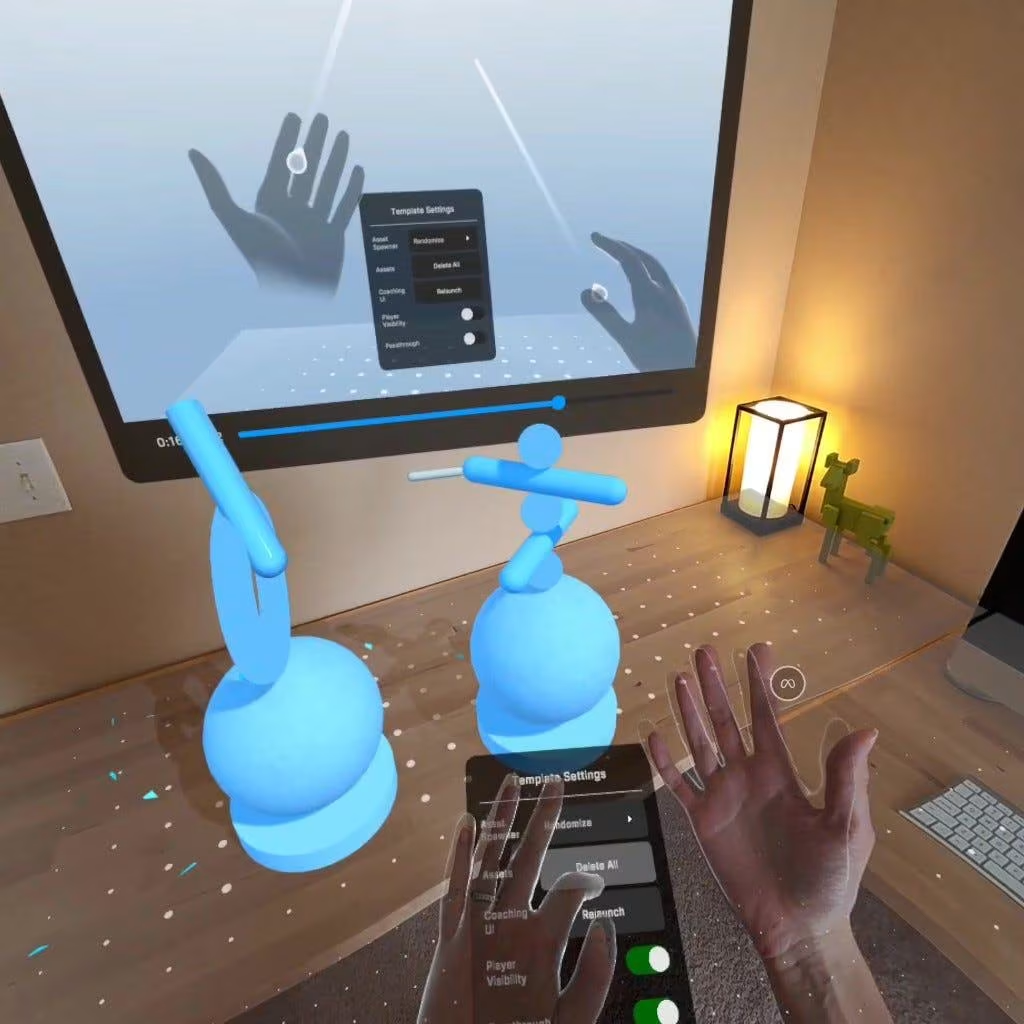
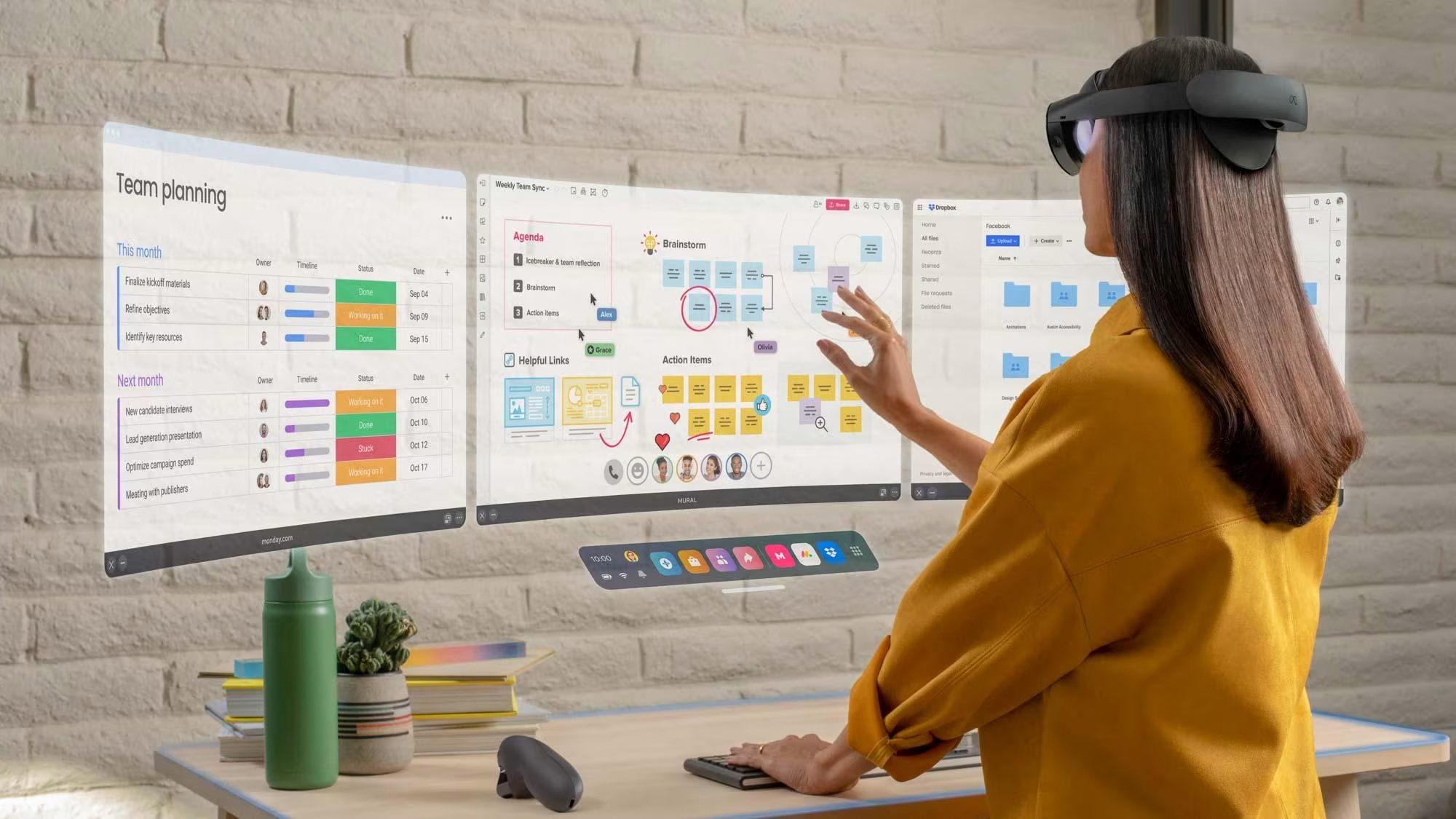
Alwajeez ERP Spatial Briefing mixed-reality interface concept rendering
Visual Notice: Concept rendering for illustration purposes. Software is under active development.
Target Platform
Meta Quest
Primary Input
Direct Hand Tracking
Integration
Alwajeez ERP REST API
Workspace
Multi-View Panels
Demonstration

Experience Spatial ERP in Action

Preview how executive data panels, stock metrics, and cash flow visualizations render within a mixed-reality environment.

Spatial Briefing Walkthrough Preview
Demonstration Status

Meta Quest Demonstration Coming Soon

A public video demonstration has not yet been published for this development-stage showcase. Once finalized, an interactive video player will be available here.

Public Meta Quest application link has not been provided at this development stage.

Spatial rendering of core ERP operational views
Intuitive hand interaction without requiring physical controllers
Contextual AI inquiries connected to approved reporting tools
Account/branch permission-based reporting aligned with ERP accounts
Core Business Views

Four Dedicated Spatial Business Views

Spatial Briefing organizes enterprise telemetry into four focused executive views designed for instant clarity.

Conceptual Notice: Example figures and metrics shown below are for conceptual illustration only and do not reflect measured customer results.
View 01 Conceptual Panel

Sales Performance

Review gross revenue trajectories, category sales volumes, and regional sales velocity in high-contrast volumetric charts.

Monthly Sales Volume (Example)
SAR 420K
Illustrative metric
Target Attainment (Example)
94%
Illustrative metric
Top Category Growth (Example)
+12%
Illustrative metric
Monthly and quarterly revenue comparative bar charts
Breakdown of top-performing product categories and sales volumes
Sales performance breakdown across regional branches
View 02 Conceptual Panel

Inventory Health

Monitor stock balance levels, warehouse capacity indicators, and reorder point alerts across multiple storage facilities.

Warehouse Capacity (Example)
78%
Illustrative metric
SKUs Near Reorder Level (Example)
14 Items
Illustrative metric
Stock Turnover Index (Example)
4.2x
Illustrative metric
Stock balance levels and low-stock threshold indicators
Multi-location warehouse stock balance comparison
Warehouse capacity and reorder point status indicators
View 03 Conceptual Panel

Customer Receivables

Track outstanding invoice aging brackets, overdue customer balances, and collection velocity to safeguard corporate liquidity.

Current Receivables (Example)
SAR 185K
Illustrative metric
Overdue >30 Days (Example)
SAR 32K
Illustrative metric
Average Days Outstanding (Example)
38 Days
Illustrative metric
Aging bracket breakdown (Current, 30, 60, and 90+ days)
Outstanding customer account balance cards
Overdue balance indicators and average days outstanding
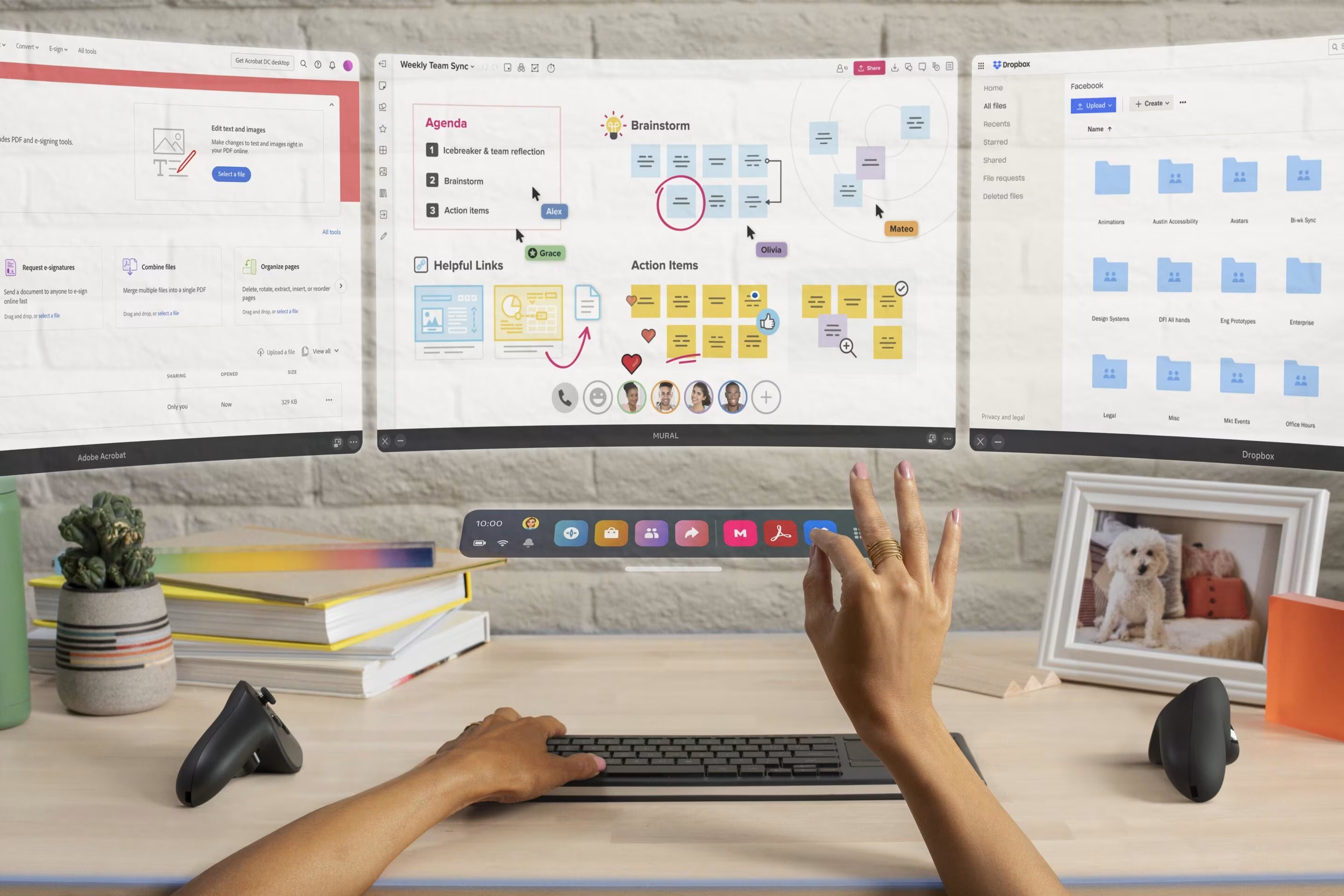
Illustrative rendering of spatial multi-panel workspace
Illustrative workspace view
View 04 Conceptual Panel

Cash & Bank

Consolidate operating account balances, incoming receivables, and scheduled supplier disbursements in a clean liquidity panel.

Operating Liquidity (Example)
SAR 650K
Illustrative metric
Scheduled Payables (Example)
SAR 140K
Illustrative metric
Net Cash Position (Example)
+SAR 510K
Illustrative metric
Operating cash and bank account balance cards
Scheduled payables and incoming receivables comparison
Net cash position and available liquidity summary
Conversational Telemetry

Contextual AI Query Assistant

Ask operational questions in natural language. The AI assistant maps user queries to approved reporting tools and displays structured results in spatial cards.

Illustrative example Conceptual walkthrough scenario
Example Executive Query:

"Check current stock balance for item SKU-402 across all regional hubs and advise on replenishment."

Structured AI Response:

Stock Balance & Replenishment Summary for SKU-402

Western Regional Hub (Jeddah)
1,240 units
Optimal (82% capacity)
Central Logistics Hub (Riyadh)
310 units
Low (Below safety threshold of 400 units)
Eastern Distribution Center (Dammam)
680 units
Normal (Satisfactory coverage)
Draft Suggestion (Requires User Review & Confirmation):

Review transferring 200 units from Western Hub to Central Logistics Hub, or prepare a purchase requisition draft for 500 units for management review and confirmation. The AI assistant does not create or execute transactions automatically.

Approved Reporting Tools Utilized:
Stock Balance Report (Inventory & Warehousing) Reorder Analysis & Lead-Time Report (Procurement & Supply Chain)

Reporting Integration Architecture

Inquiries are processed via session-based authentication through approved reporting tools and defined calculation services. The assistant assists inquiry without bypassing user confirmation.

Session-Based Authentication

Validates user credentials against active ERP sessions before querying any calculation service.

Approved Reporting Tools

Directs conversational queries to pre-configured ERP report modules, returning structured data for review.

Hands-First Interaction

Intuitive Hand Tracking & Gestures

Operate spatial dashboards directly with natural hand movements. Controllers are not required, and all essential operations function without voice input.

Core Design Principle: Designed for accessibility: essential navigation and selection work reliably via direct touch and pinch gestures alone.
Illustrative concept image of optical hand tracking gestures
Illustrative hand interaction gesture model
01 Interaction

Poke & Select

Extend index finger to touch floating elements

Directly tap any metric card, report tab, or filter toggle in physical space to select or drill into details.

02 Interaction

Pinch & Drag

Pinch thumb and index finger together and move

Grab panel edges to reposition dashboards around your room, adjust viewing distance, or reorder views.

03 Interaction

Optional Voice Input

Select microphone icon and speak query

Dictate search terms or pose conversational queries to the AI assistant. Voice is fully optional.

System Architecture

Technology Architecture & Data Flow

Spatial Briefing integrates seamlessly with existing Alwajeez ERP backend services, utilizing shared APIs, permissions, and database models.

TIER 01 / CLIENT APPLICATIONS Frontend Layer

Spatial Briefing (Unity VR Client)

Client application built with Unity and Meta XR SDK, rendering floating UI panels and handling hand-tracking input.

Unity · Meta XR SDK

Alwajeez ERP Web Application

Standard web portal for operational data entry, accounting workflows, and reporting.

React

The React ERP web application and the Unity VR client communicate with the exact same Node.js ERP backend services, ensuring consistent data, permissions, and business rules across platforms.

02

Authenticated REST API Gateway

Standard HTTPS gateway receiving API calls, validating session-based authentication, and routing requests.

HTTPS · REST
03

Node.js ERP Services & Tenant Checks

Core application services enforcing account/branch permissions, multi-tenant isolation, and executing approved reporting tools.

Node.js
04

PostgreSQL Relational Database

Central enterprise database storing ledger entries, inventory balances, customers, and transaction histories.

PostgreSQL
Security & Governance

Six Core Security Principles

Spatial Briefing adheres to the approved security principles of the Alwajeez ERP architecture.

01

Authenticated ERP Access

Access to the spatial briefing workspace requires authenticated sign-in validated against active Alwajeez ERP user credentials.

02

Multi-Tenant Isolation

Organizational data is separated by tenant scoping across ERP application services and data queries.

03

Account/Branch Permission-Based Reporting

Users view metrics and reporting data based on their assigned account and branch permissions in the ERP system.

04

Figures from ERP Calculations and Reporting Services

Displayed metrics derive from standard ERP calculation and reporting services.

05

AI Interaction Through Approved Tools

AI assistant queries resolve through approved reporting tools and defined parameters.

06

Separate Read-Only Demonstration Company

Previews and walkthrough demonstrations operate against a dedicated, isolated read-only demonstration company environment.

Benefits & Ergonomics

2D Desktop Displays vs Spatial Briefing

Comparing traditional flat-screen ERP navigation with spatial mixed-reality executive briefing.

Working Field of View

Traditional 2D Desktop: Constrained to physical monitor borders and overlapping desktop windows
Spatial Briefing (MR): Expansive spatial arrangement placing multiple dashboards within natural eye line

Data Correlation

Traditional 2D Desktop: Navigating back and forth between separate browser tabs and nested menus
Spatial Briefing (MR): Simultaneous visibility of sales, inventory, and liquidity across dedicated panels

Input Interaction

Traditional 2D Desktop: Keyboard and mouse navigation requiring dedicated desk placement
Spatial Briefing (MR): Direct fingertip touch, pinch-to-move, and optional natural voice input

Situational Awareness

Traditional 2D Desktop: Vision focused downwards on screens, isolating the user from room context
Spatial Briefing (MR): Passthrough mixed reality maintains awareness of colleagues and meeting space

Advanced Executive Briefing Ergonomics

Eliminate context-switching friction and empower leadership with simultaneous multi-panel awareness.

Conceptual illustration of mixed-reality headset usage
Conceptual image
Planned Capabilities

Planned Roadmap Capabilities

Ongoing research and developmental capabilities planned for future iterations of the Spatial Briefing experience.

Roadmap Notice: The capabilities below represent developmental roadmap objectives and are not committed product release dates.
CAPABILITY 01 Planned Target

Arabic Voice and RTL Spatial Interface

CAPABILITY 02 Planned Target

Warehouse Intelligence

CAPABILITY 03 Planned Target

Production Monitoring

CAPABILITY 04 Planned Target

Assisted Business Actions Prepared for User Review and Confirmation

CAPABILITY 05 Planned Target

Shared Spatial Workspaces

Frequently Asked Questions

Frequently Asked Questions

Answers to key technical, operational, and architectural inquiries regarding Spatial Briefing.

What headset or hardware is required?
The showcase is targeted for Meta Quest headsets supporting color passthrough and optical hand tracking. The application runs natively on the headset using the Meta XR SDK.
How does this connect to our existing Alwajeez ERP system?
It connects through standard authenticated REST API services provided by the Alwajeez ERP Node.js backend—the same services that power the React web application.
Can I operate the system without controllers or voice?
Yes. All essential navigation, selection, and panel adjustments are designed for direct hand tracking (poke to select, pinch to drag). Voice input is entirely optional, and controllers are not required.
Is this a replacement for the web-based Alwajeez ERP?
No. Spatial Briefing is designed as a complementary executive briefing layer for high-level monitoring and strategic meetings, not a replacement for comprehensive operational data entry in the web ERP.
How are user permissions and data access handled?
Data access is governed by the user’s assigned account and branch permissions in Alwajeez ERP. Users only see metrics and reports they are authorized to view.
What reports can the AI assistant query?
The assistant queries approved reporting tools and calculation services such as stock balances, sales performance summaries, and customer receivables.
When will this be available?
Spatial Briefing is currently an active research and development project. A public commercial release date has not been announced.
Spatial Briefing Showcase

Explore the Future of Executive ERP

Discover how Spatial Briefing brings clarity to enterprise decision-making, or explore the full capabilities of Alwajeez ERP Cloud.

Spatial Briefing is an active research project by Alwajeez Tech developed for Meta Quest headsets.

Alwajeez Tech is the commercial marketing brand of شركة الأفق الواعدة, delivering Saudi Arabia–focused AI and enterprise software solutions aligned with the strategic objectives of Saudi Vision 2030. We drive the Kingdom's tech sector in accordance with the guidelines of the MCIT, ensuring our AI-driven platforms align with SDAIA standards for data privacy and AI ethics. Our solutions maintain full compliance with ZATCA E-Invoicing (Fatoora) regulations and Saudi tax standards. We adhere to CST cloud service provider registrations and telecom standards, while supporting DGA B2G digital transformation and the 'Government-as-a-Platform' initiative. Our high-performance architectures enable government and private entities to modernize operations, optimize services, and drive sustainable growth. This description is for informational purposes only.

Powering Saudi Arabia with local, trustworthy AI & Software solutions